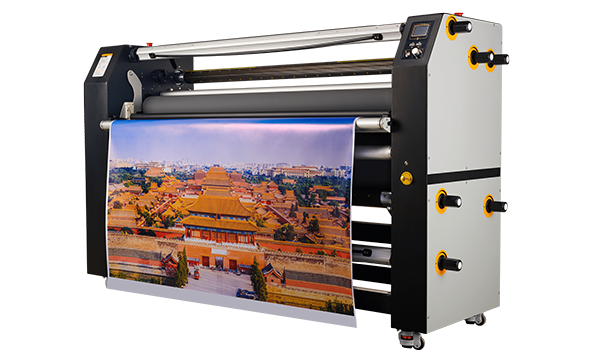
Common Lamination Failures and How to Prevent Rework
Lamination is an important finishing process in digital printing. It protects printed graphics from scratches, moisture, UV exposure, and daily wear, especially for outdoor signs, vehicle graphics, retail displays, and long-term applications.
However, laminating a digital print too soon after printing can create quality problems.
When prints are laminated before the ink layer has fully stabilized, residual solvents or an unstable surface condition may affect adhesive performance. This can lead to problems such as bubbles, silvering, poor adhesion, and unnecessary rework.
The correct approach is not simply to laminate as quickly as possible. The print should be properly dried and stabilized before moving to the finishing stage.
Why Does Early Lamination Cause Problems?
For solvent-based and eco-solvent printing, the ink contains solvents that help the pigment bond with the printing media. After printing, some residual solvents remain in the ink layer and need time to escape. This process is known as outgassing.
If laminate is applied too early, these residual components may become trapped between the printed surface and the laminate adhesive.
Common problems include:
| Cause |
Possible Result |
| Residual solvent trapped under laminate |
Bubbles and adhesion issues |
| Poor adhesive contact |
Silvering effect |
| Incorrect pressure or speed settings |
Wrinkles or uneven bonding |
| Material incompatibility |
Premature laminate failure |
Common Problems Caused by Laminating Too Soon
1. Air Bubbles Under Lamination
Bubbles are one of the most noticeable lamination defects. They can occur when residual solvents, air, or contamination prevent the laminate adhesive from making proper contact with the print surface.
Other factors that may contribute include:
- Insufficient drying time
- Uneven roller pressure
- Incorrect lamination speed
- Poor surface preparation
Preventing bubbles is usually easier than correcting them after production. Proper print stabilization and consistent machine settings are essential.
2. Silvering Under the Laminate
Silvering appears as a cloudy or silver-like effect beneath the laminate, especially on dark graphics or solid-color areas.
It is often related to incomplete adhesive wet-out between the laminate and the printed surface.
Possible causes include:
- Applying laminate before the print is ready
- Insufficient pressure during lamination
- Surface contamination
- Poor material compatibility
A laminator with adjustable pressure helps operators achieve more consistent contact between the laminate and printed material.
3. Adhesive Failure and Rework
When lamination fails after installation, the cost is not only the material loss. Production teams may also need to spend additional time on:
- Reprinting graphics
- Removing failed laminate
- Repeating the finishing process
- Delaying installation schedules
This is especially important for vehicle graphics and outdoor applications where long-term durability is required.
How Can a Laminator Help Improve Consistency?
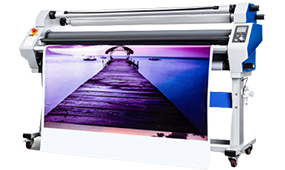
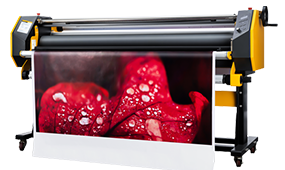
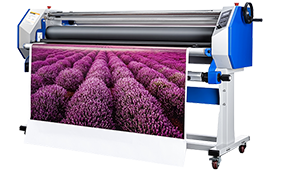
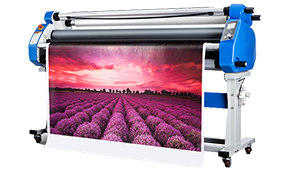
A laminator cannot replace proper drying time or material selection, but the right equipment can help create a more controlled finishing process.
Important features include:
Adjustable Roller Pressure
Different media and laminate combinations may require different pressure settings. Adjustable pressure helps improve adhesive contact and allows operators to handle various materials more consistently.
Adjustable Lamination Speed
Speed control allows operators to adjust the process based on:
- Material type
- Graphic size
- Laminate characteristics
- Production requirements
Stable Roller System
Consistent roller alignment and material feeding help reduce issues such as wrinkles, uneven pressure, and tracking problems.
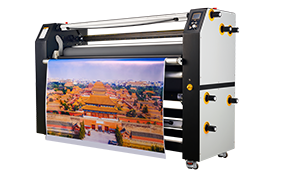
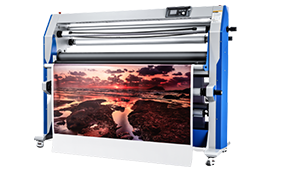
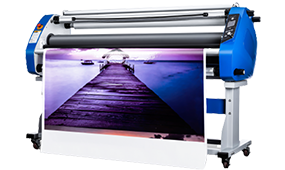
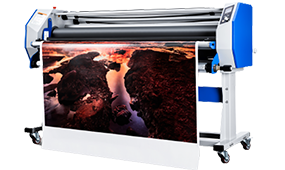
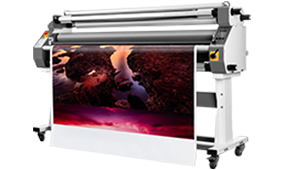
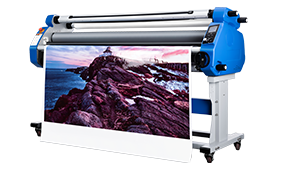
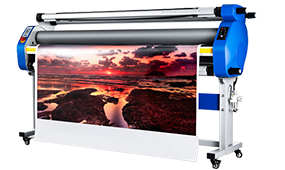
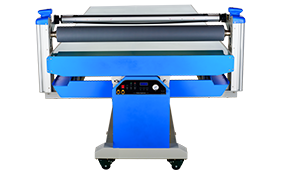
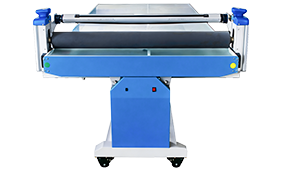
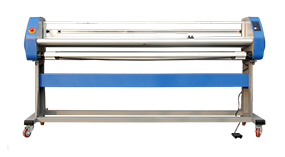
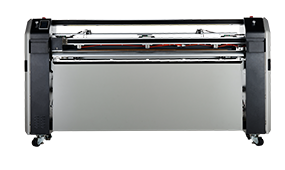
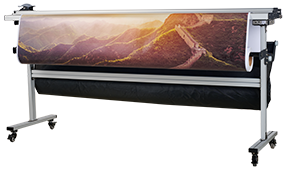
These features are especially valuable for professional wide-format printing environments using roll laminators or flatbed laminators.
Best Practices to Reduce Lamination Rework
A reliable workflow usually follows:
Print
↓
Allow sufficient drying and stabilization time
↓
Inspect print condition
↓
Adjust laminator pressure and speed
↓
Laminate and check finished quality
The goal is to prevent defects before they occur instead of correcting failures after production.
Frequently Asked Questions
Can I laminate digital prints immediately after printing?
For solvent-based and eco-solvent prints, immediate lamination is generally not recommended because residual solvents may affect adhesive performance.
How long should I wait before laminating digital prints?
The required waiting time depends on ink type, media, print coverage, and application requirements. Many solvent-based applications use around 24 hours or longer as a practical guideline.
Can a laminator fix early lamination problems?
No. A laminator improves process control through features such as pressure and speed adjustment, but proper drying and material compatibility are still required.
Final Thoughts
Laminating digital prints too soon can result in bubbles, silvering, adhesive failure, and increased rework.
The most reliable approach is to combine:
- Proper print stabilization
- Compatible materials
- Correct laminator settings
- Consistent operating procedures
A professional roll laminator or flatbed laminator with adjustable pressure and speed control helps print providers achieve more stable finishing results across different applications.
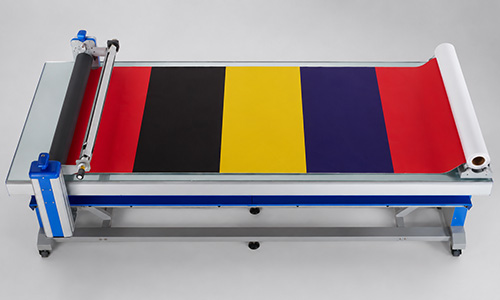
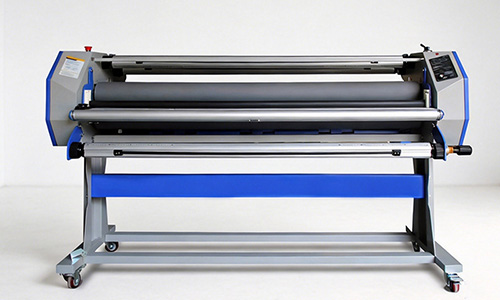
Flatbed Laminator Wide Format Laminator
The purpose of lamination is not only to finish a print faster, but to ensure the final graphic performs reliably after installation.


 Premium Series